01
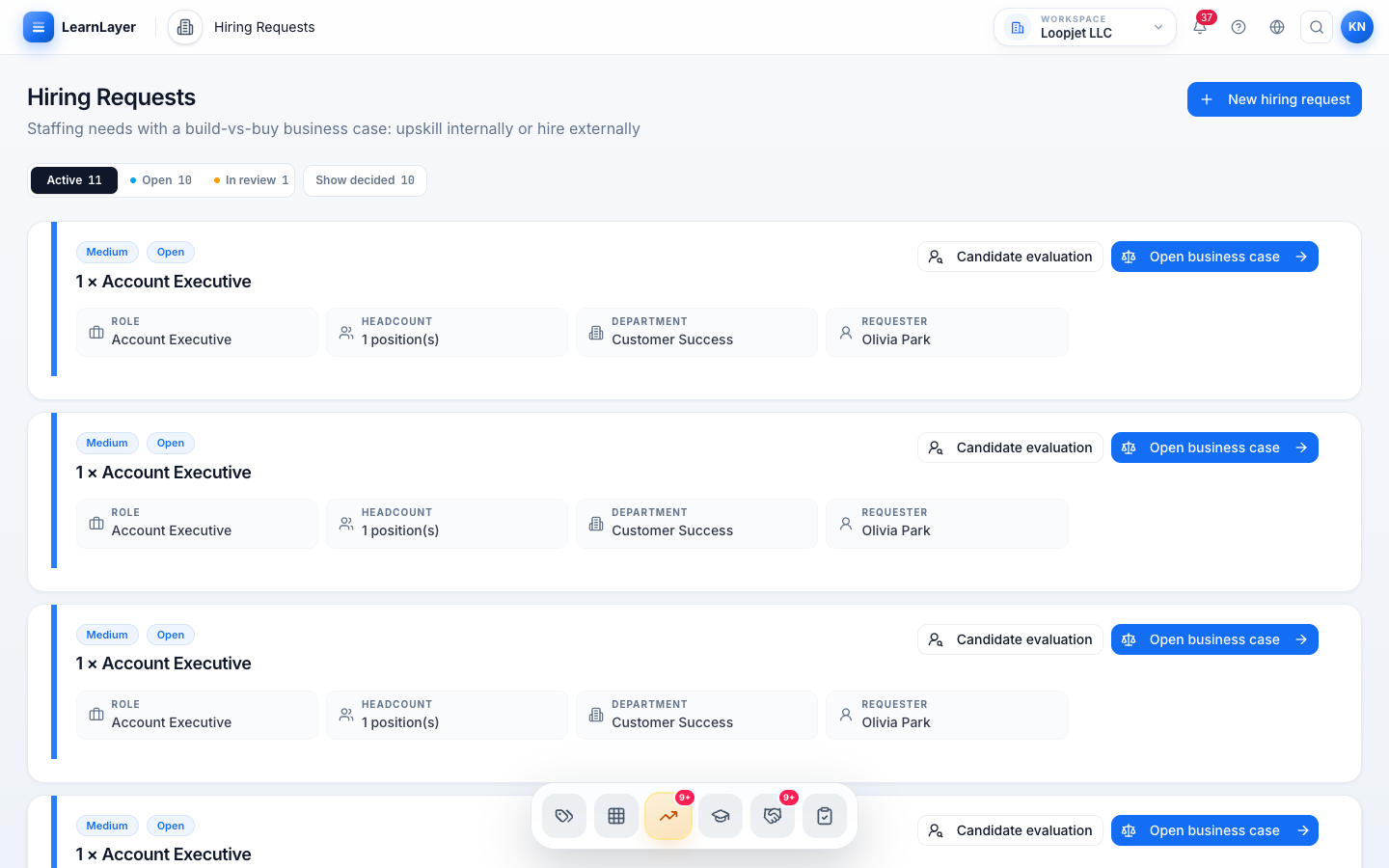
Vacancies from approved needs
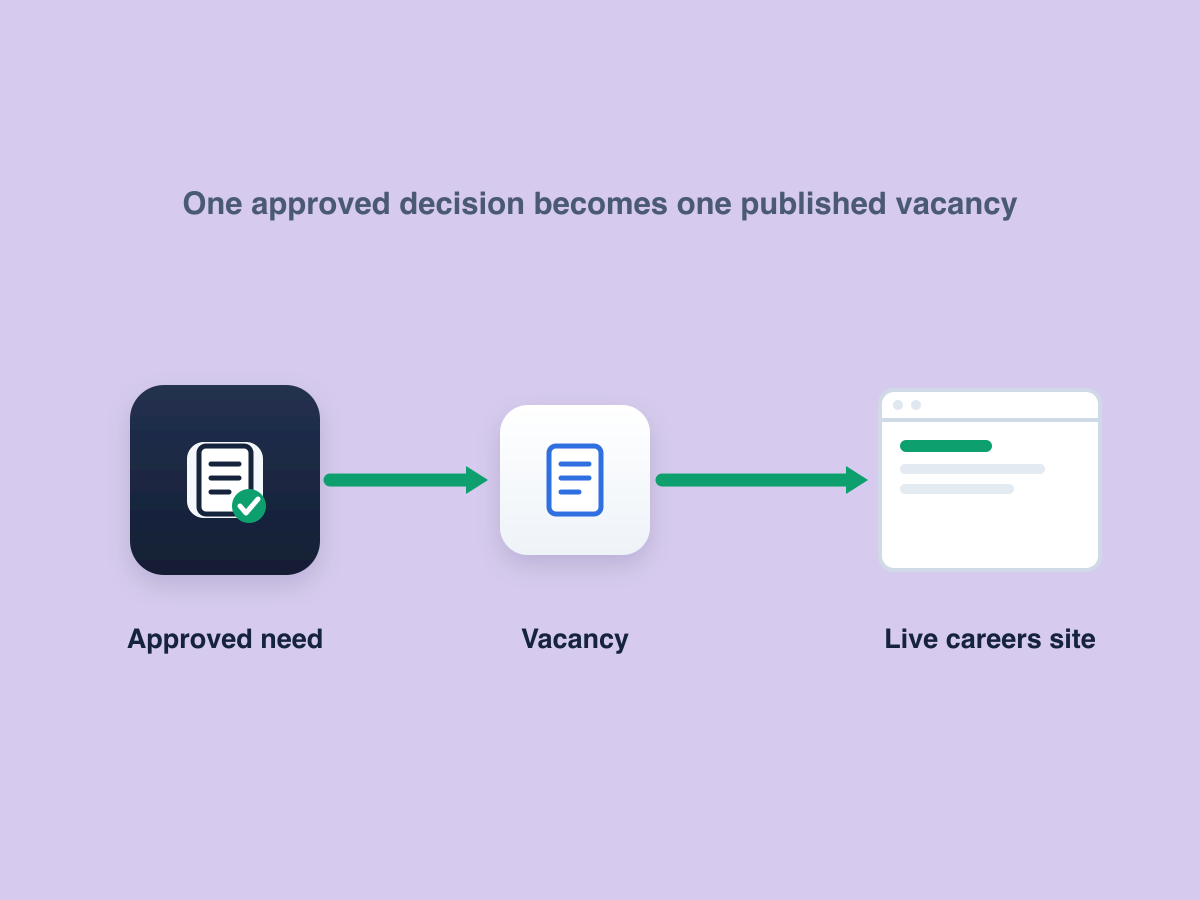
A vacancy starts from an approved hiring request, so role requirements, screening questions and the privacy notice travel with it. Publishing stores an immutable version of all four.
Applicants & ATS for HR teams
A full applicant tracking system inside Workforce: publish approved hiring needs, receive applications and review candidates against role requirements you have already defined.
The capability
A vacancy starts from an approved hiring request, so role requirements, screening questions and the privacy notice travel with it. Publishing stores an immutable version of all four.
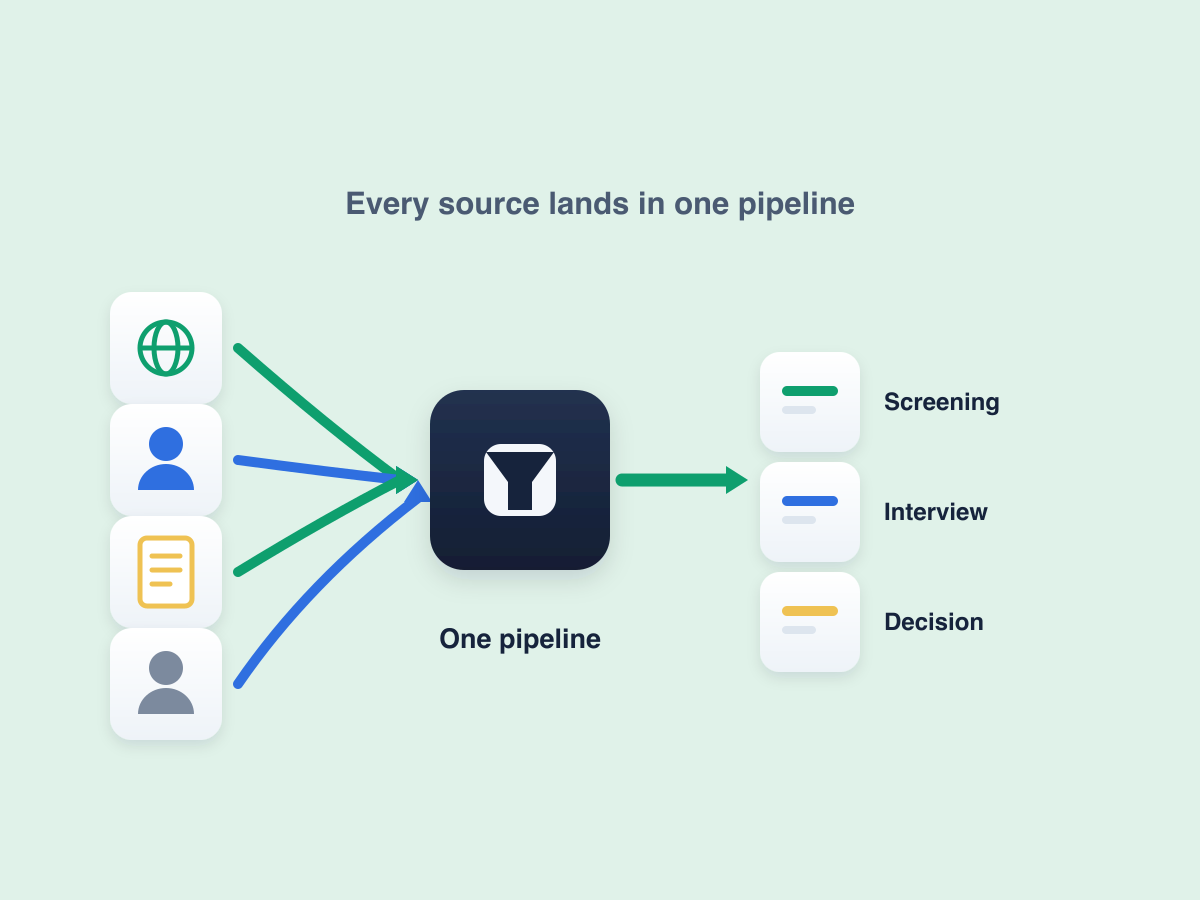
Applications arrive from your careers site, referrals, staff entries or a CSV import, then move through screening, interview and decision with owners, tasks and messages attached.
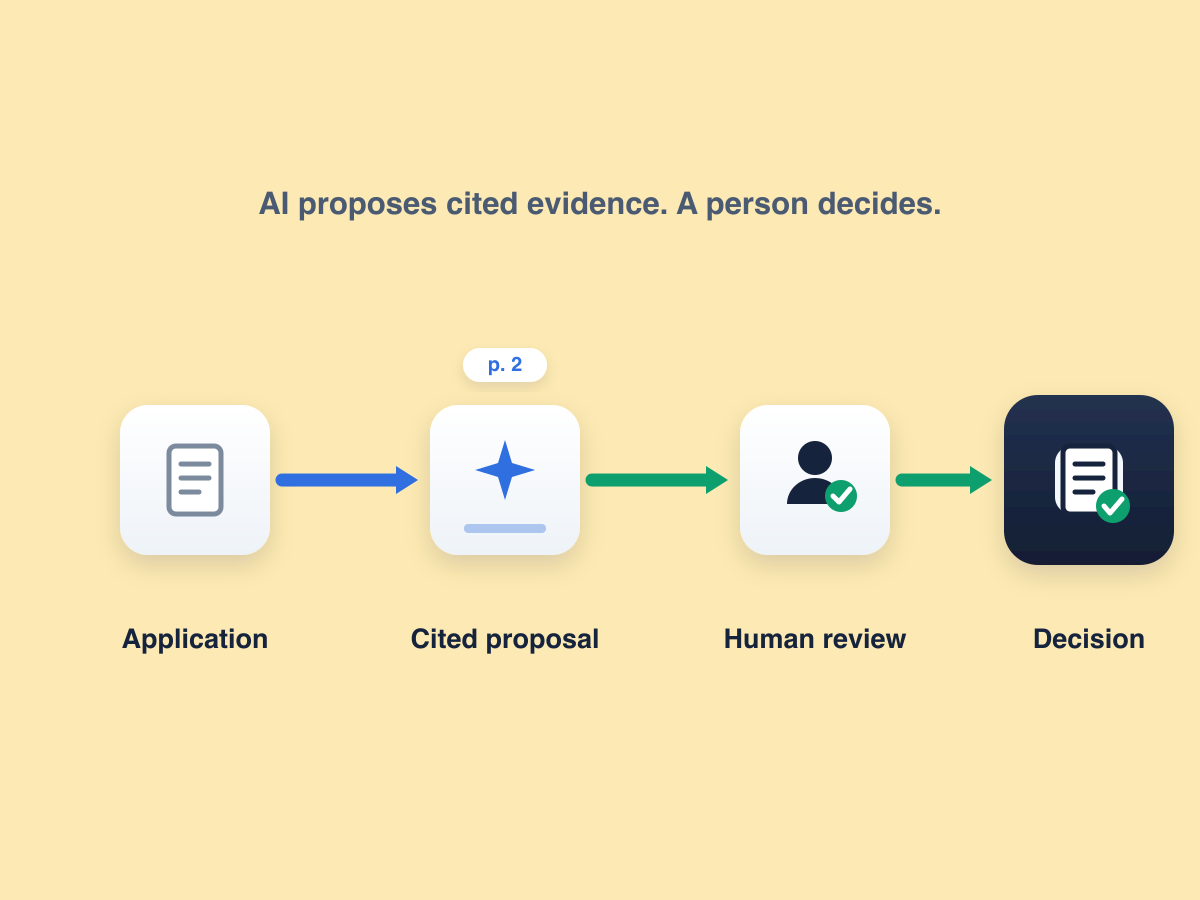
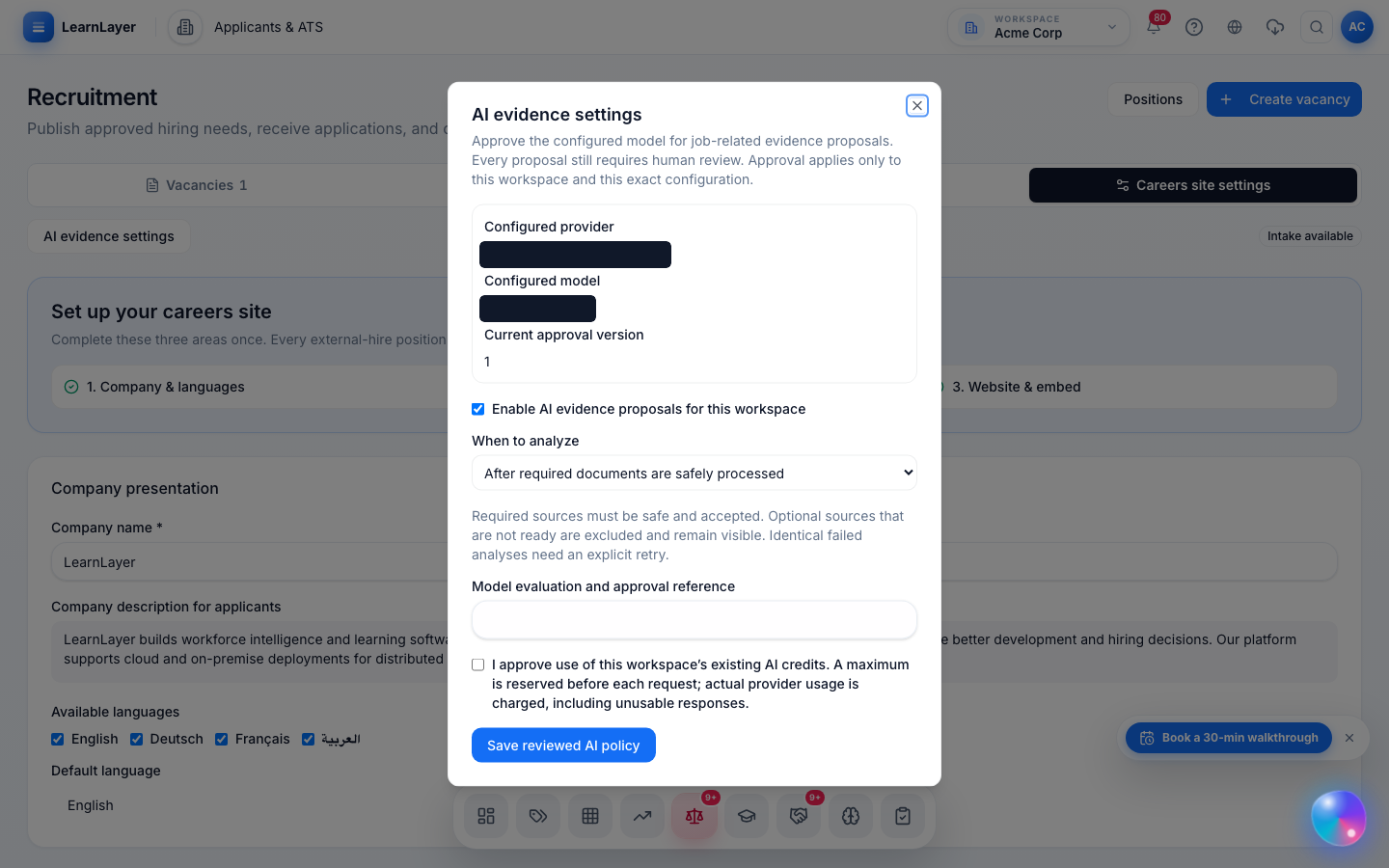
AI can propose job-related evidence from a document and cite the page it came from. Every proposal needs human review, and the approved provider, model and policy version are recorded before analysis can run.
Inside LearnLayer
01 / 04
02 / 04
03 / 04
04 / 04
How it works
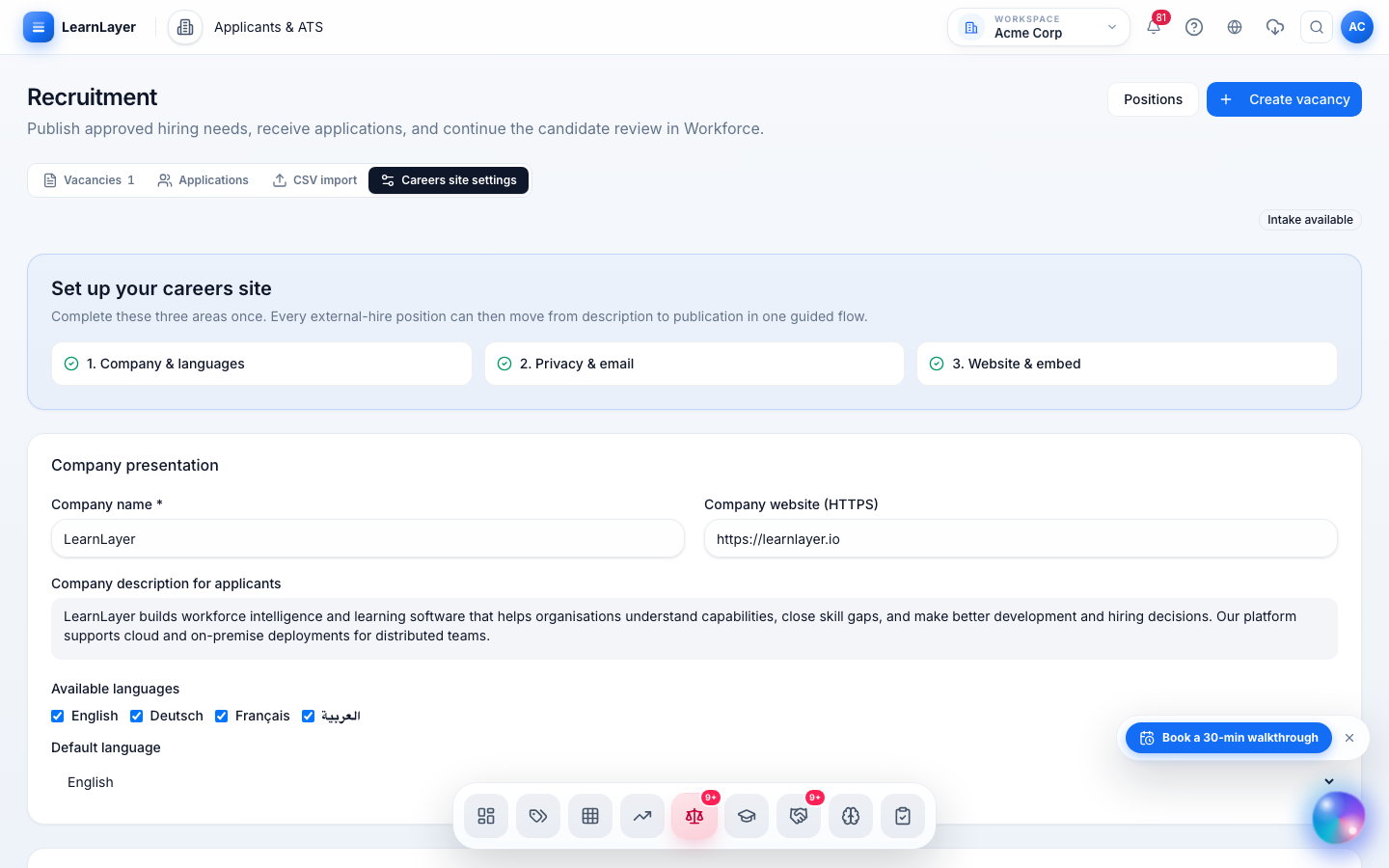
Publish an approved hiring need to your careers site or an embedded jobs directory, in the languages you have reviewed.
→Screen, interview and decide in one pipeline, with documents, cited evidence proposals and candidate messages on the record.
→A hired candidate becomes an employee whose skills, evidence and role expectations are already in the matrix.
→For HR leaders
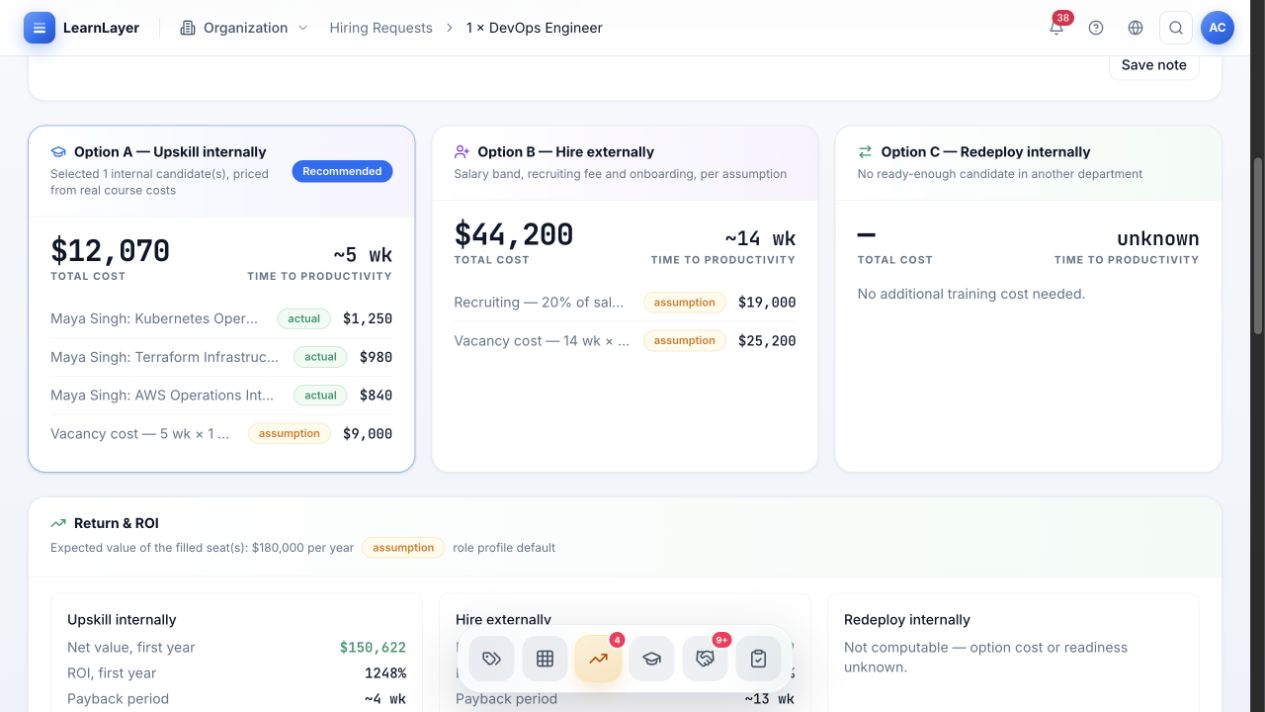
Gap analysis and workforce planning settle build, redeploy or hire first. A vacancy can only be published once that hiring decision is approved, so recruiting starts from a workforce decision rather than a job board.
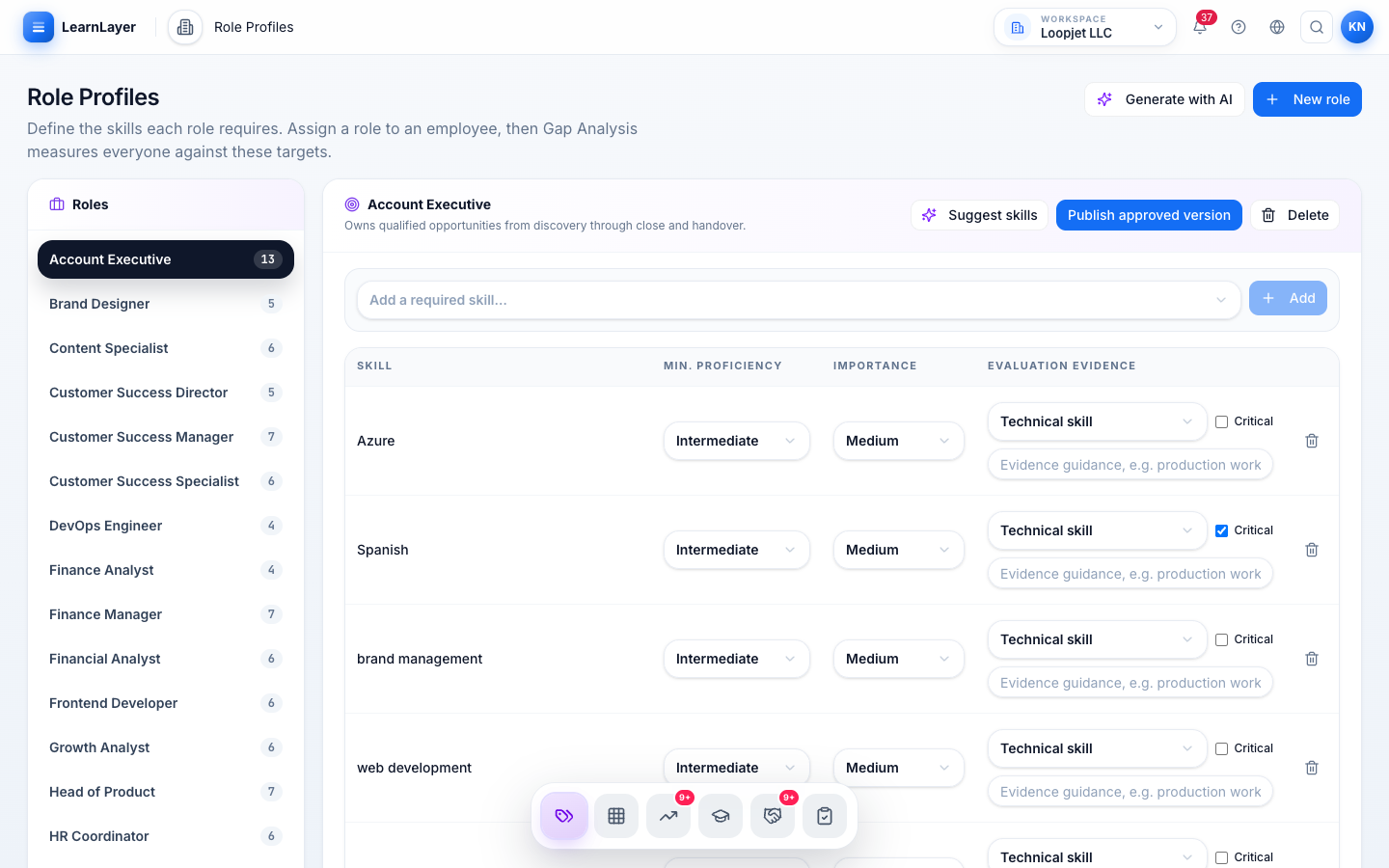
The vacancy inherits the role profile: required skills, target proficiency, screening questions and the privacy notice applicants see. Publishing freezes an immutable copy of all four, and a change goes out as a new published version.
AI proposes job-related evidence and cites the page it came from. A person reviews every proposal and makes the decision, and the workspace must approve the provider, model and policy version first, then re-approve whenever that configuration changes.
Applicants can request access, correction or deletion. Requests are reviewed and answered without rewriting the original submission history, and a retention period governs what is kept.
Workforce clarity starts here